
Real-Time Voice Changer
Boomic changes your voice as you speak, or lets you try different effects on a recording. Make funny voice notes, add character voices to roleplay, or play your changed voice through a speaker.
Get it on Google Play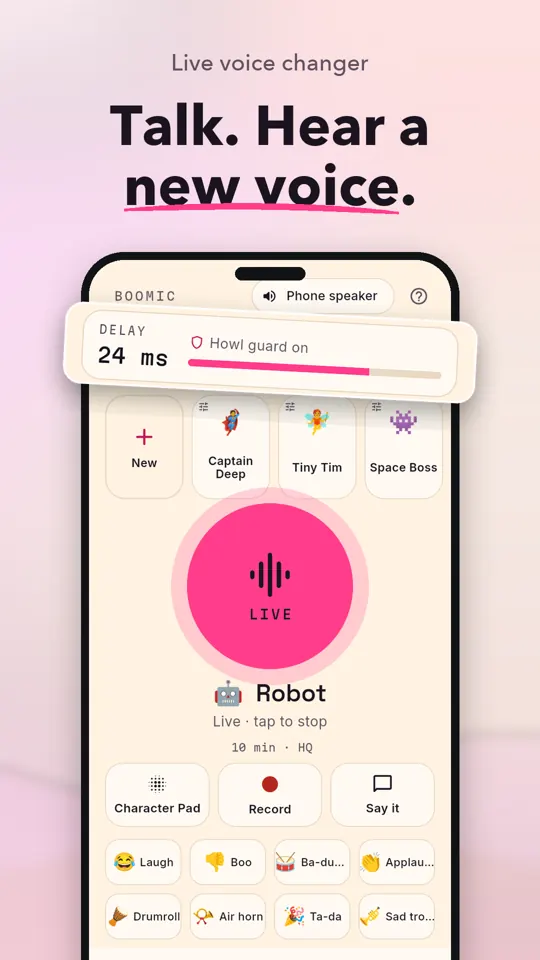
Screenshots
Voice Changer Features
Hear Your Voice Live
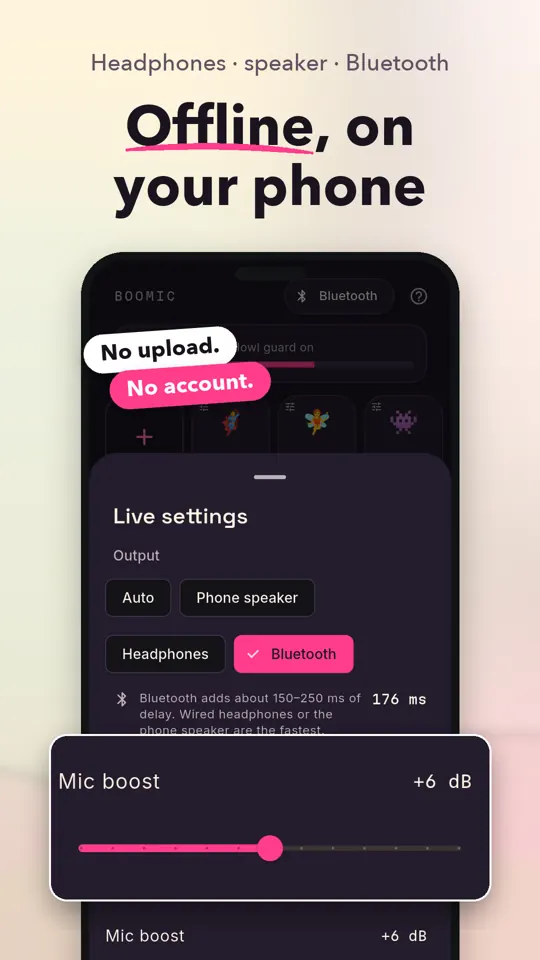
Choose a voice and press the talk button to hear the effect as you speak. Listen through your phone speaker, headphones or a Bluetooth speaker.
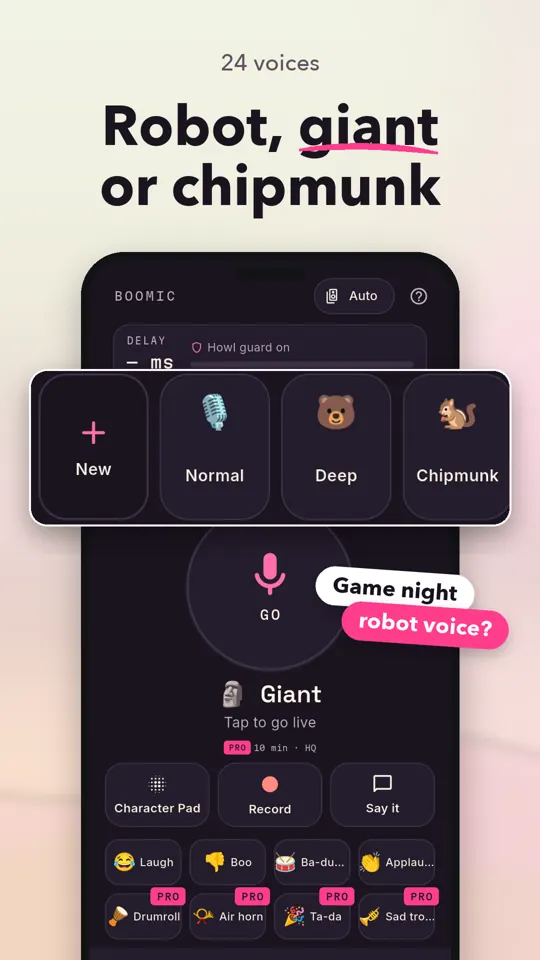
Choose From Voice Effects
Try voices including robot, giant, chipmunk, alien, monster, radio and echo. Reverse is available for recordings.
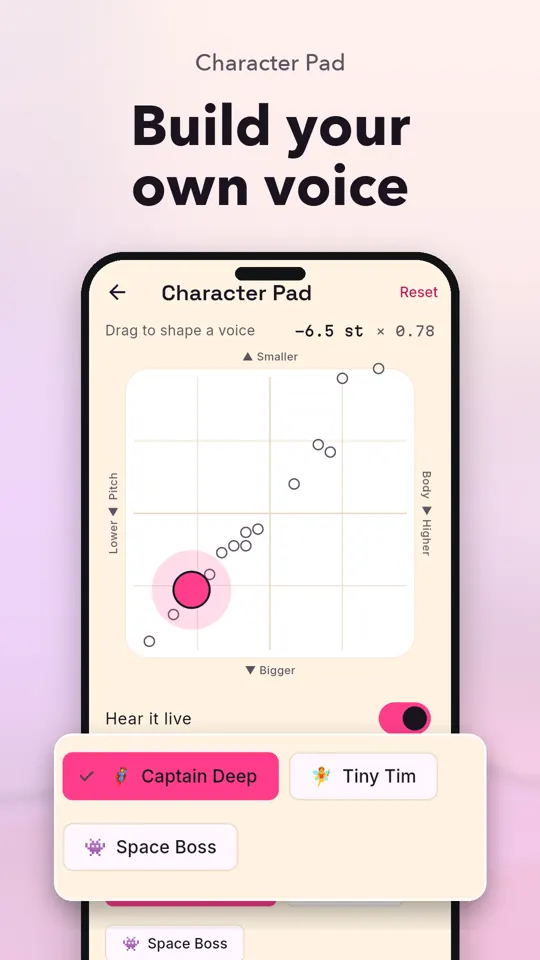
Shape A Custom Character
Drag the Character Pad to adjust pitch and vocal body, making a voice higher, deeper, bigger or smaller. Save named characters with Pro.
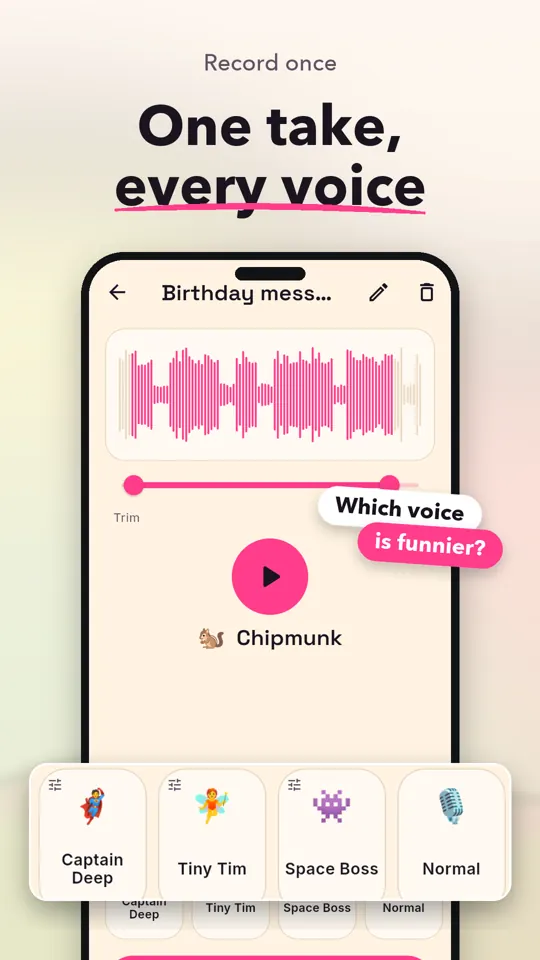
Revoice A Recording
Record a take, then preview it with different voices while keeping the original. Trim the start and end before sharing or saving.
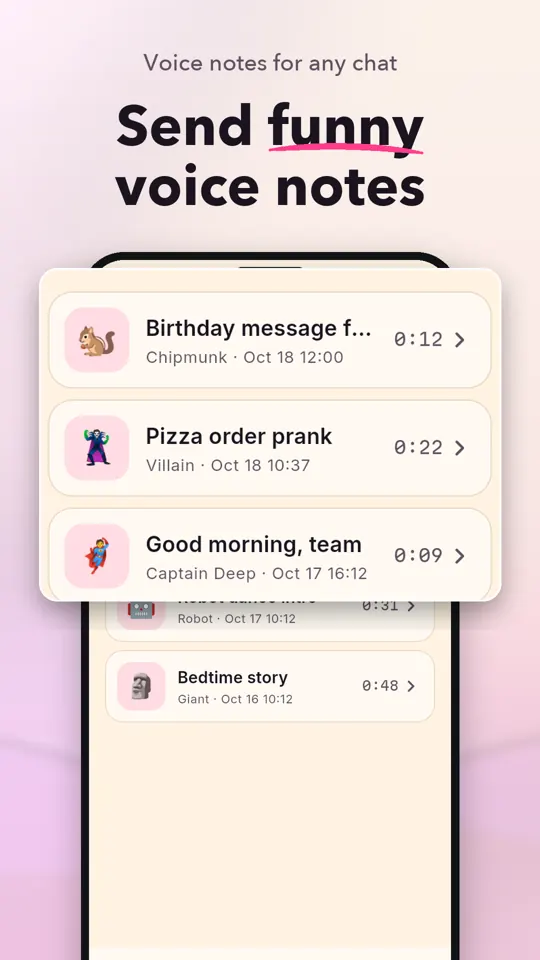
Share Funny Voice Notes
Export recordings as .m4a voice notes to WhatsApp, Telegram or Discord, or save them to your phone's Music folder.
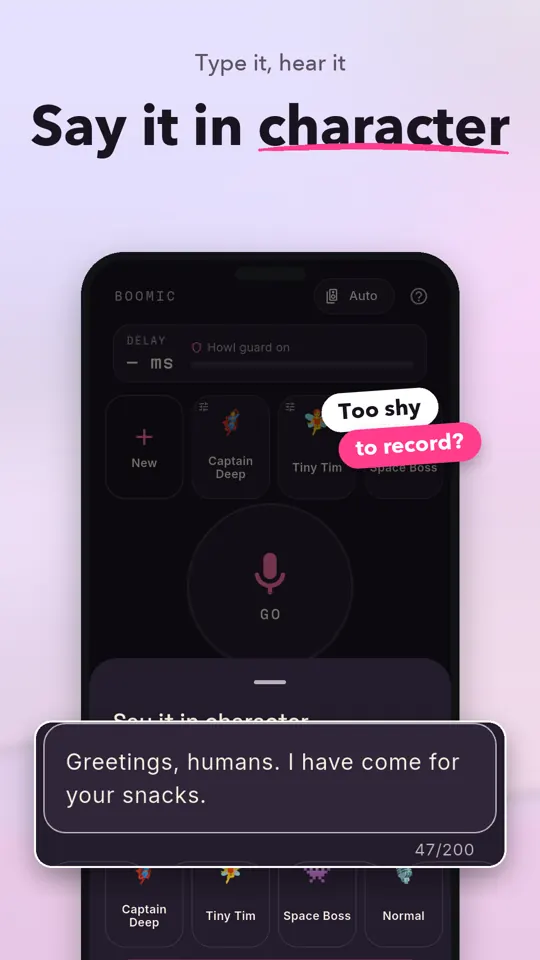
Speak Typed Lines Aloud
Type a line and hear it spoken in a chosen voice using your phone's text-to-speech. Keep the result as a take.
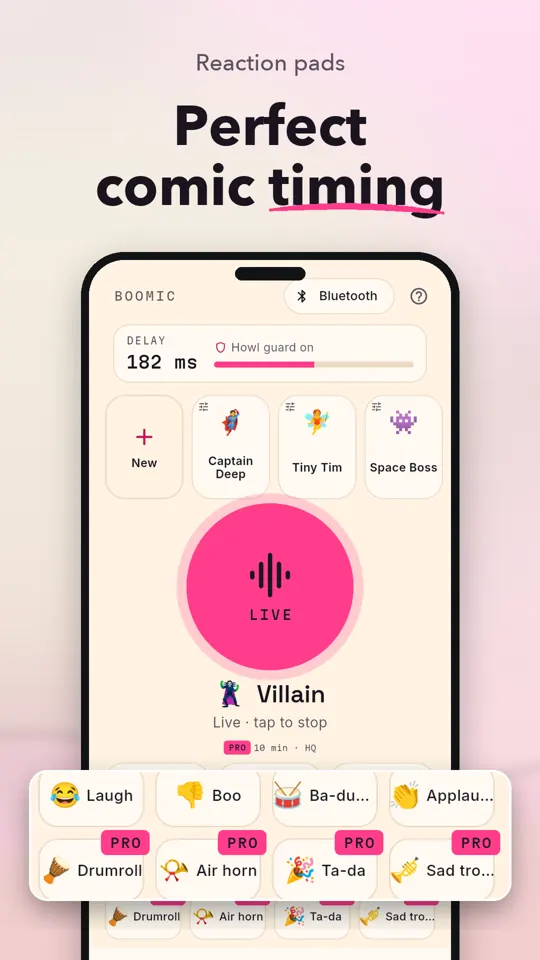
Play Reaction Sounds Live
Add laugh, boo, rimshot, applause, drumroll, air horn, ta-da or sad trombone over your live voice.
Control Live Audio
See the measured delay, use volume keys as push-to-talk and enable the howl guard to stop speaker feedback. Live mode can keep running with the screen off.
Get Started in Three Steps
Pick a voice
Choose a voice effect for live talking or a recording.
Talk or record
Press the talk button to hear your changed voice, or record a take to try effects afterward.
Share your take
Trim a recording if needed, then export it as a voice note or save it to your phone.
Ways to Use Boomic
- Funny voice notes for group chats
- Character voices for roleplay
- Robot voices for game nights
- Party pranks through a speaker
- Voice effects for short videos
- Scary voices for stories
Free and Pro
Free
- 8 voices: Normal, Deep, Chipmunk, Robot, Alien, Echo, Radio and Cave
- Live sessions up to 10 minutes
- Recordings up to 60 seconds
- 3 Say it lines per day and 4 reaction pads
- Try the Character Pad live
Pro
- All 24 voice effects
- Save unlimited characters
- Unlimited live sessions
- Recordings up to 10 minutes with HQ export
- Unlimited Say it lines and all 8 reaction pads
- No ads
Frequently Asked Questions
Does Boomic work offline?
Yes. Voice processing happens on your phone, and live mode, recording, re-voicing and export work offline. Ads and billing may be unavailable without a connection.
Is Boomic free?
Boomic includes a free version with 8 voices, live sessions up to 10 minutes and recordings up to 60 seconds. Pro adds more voices and features; prices are shown in your local currency before purchase.
Does Boomic upload my recordings?
No. Voice processing happens on your phone, recordings stay on your device, and no account is needed. The app does not use cloud AI.
Which phones can run Boomic?
Boomic is an Android app available on Google Play.
Can Boomic change my voice during phone calls?
No. Boomic does not change your voice in phone calls. It plays the changed voice through your headphones or speaker and in your recordings.
Can I share a Boomic voice recording?
Yes. Export a take as an .m4a voice note to WhatsApp, Telegram or Discord, or save it to your phone's Music folder.
Guides
How to Make a Robot Voice
Learn how to make a robot voice with an audio effect, recording tools, or live voice changer. Get practical settings, troubleshooting tips, and Android steps.
How to Make a Deep Voice: Tips, Tools, and Common Fixes
Learn how to make your voice sound deeper with speaking tips, audio settings, and voice effects. Includes common fixes and an Android app option.